Worldstart

Worldstart

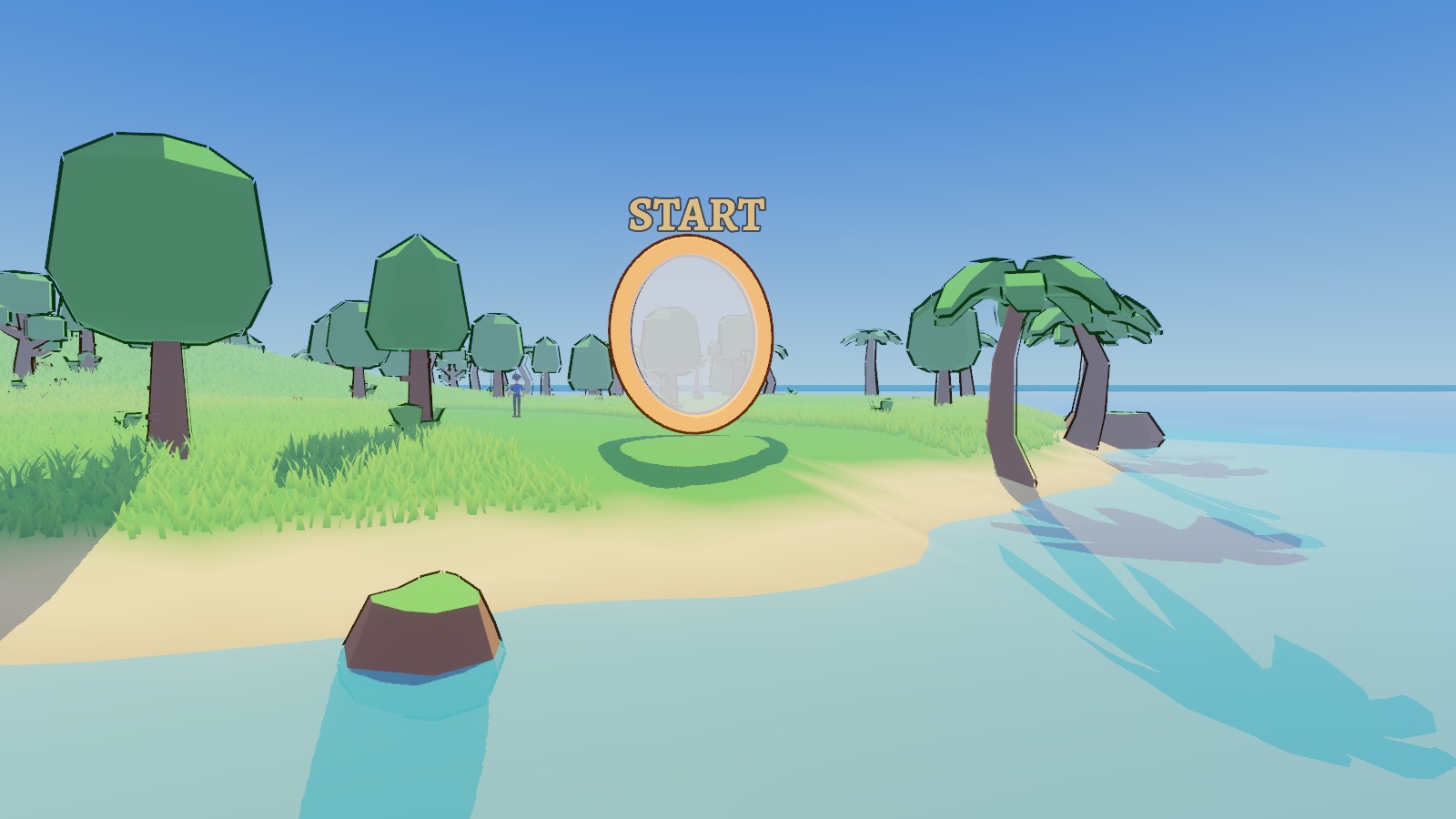
Kauaʻi in the game: a hero in the long grass by the Start ring, a waterfall through it and jungle behind

Build islands. Race for treasure.

A fantasy island builder and team treasure race. Land with friends, fight monsters and rival teams with swords, bows and magic, and claim the gold. Then design a raid for your friends to try.

Early playtest. Download the published build below, expect rough edges, and tell us what breaks.

Race for the treasure

Land with your team, cross an island full of monsters and rival players, and claim the gold before anyone else does. That’s PvPvE: your team against both other teams and the world.

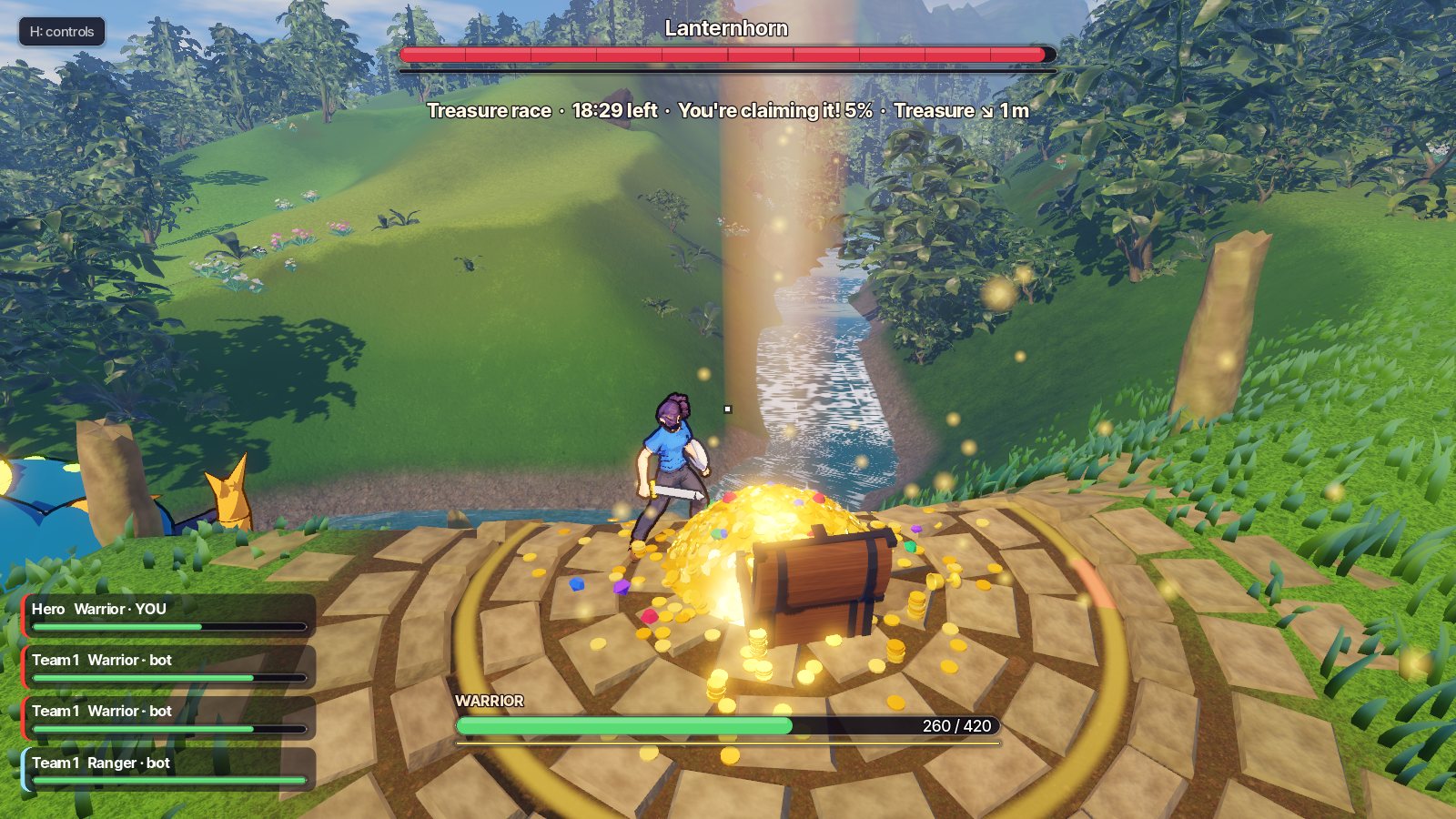
Claiming the treasure: a hero at the open chest of gold under a beam of light, a waterfall behind and the Lanternhorn closing in

A race across the island

Teams of four, 32 players a raid. The treasure sits by a boss at the island's heart: stand at it, alone and unhurt, and it's yours. Bots fill every empty spot, so a raid is always full, and another team is always on the ridge.
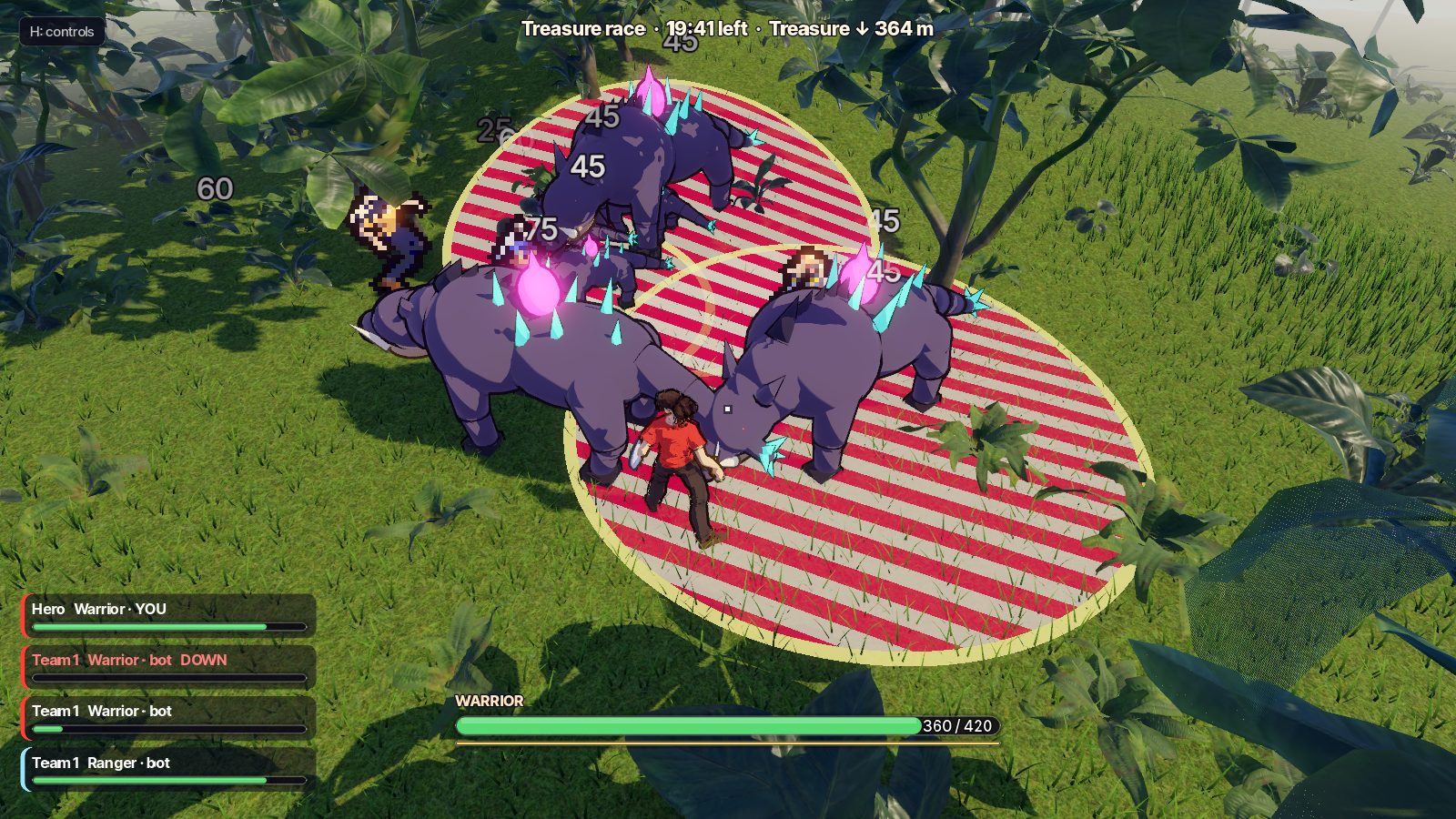
A warrior in the middle of three Thornbacks, their red striped attack rings on the grass, with a pixel-art teammate fighting beside him

Fights with weight

Swords, bows and magic. Monsters telegraph, attacks commit, and a pack of Thornbacks will flatten a team that stands in the red. Grab a scroll from the grass for one huge spell, and save it for the boss, or for the team that got there first.

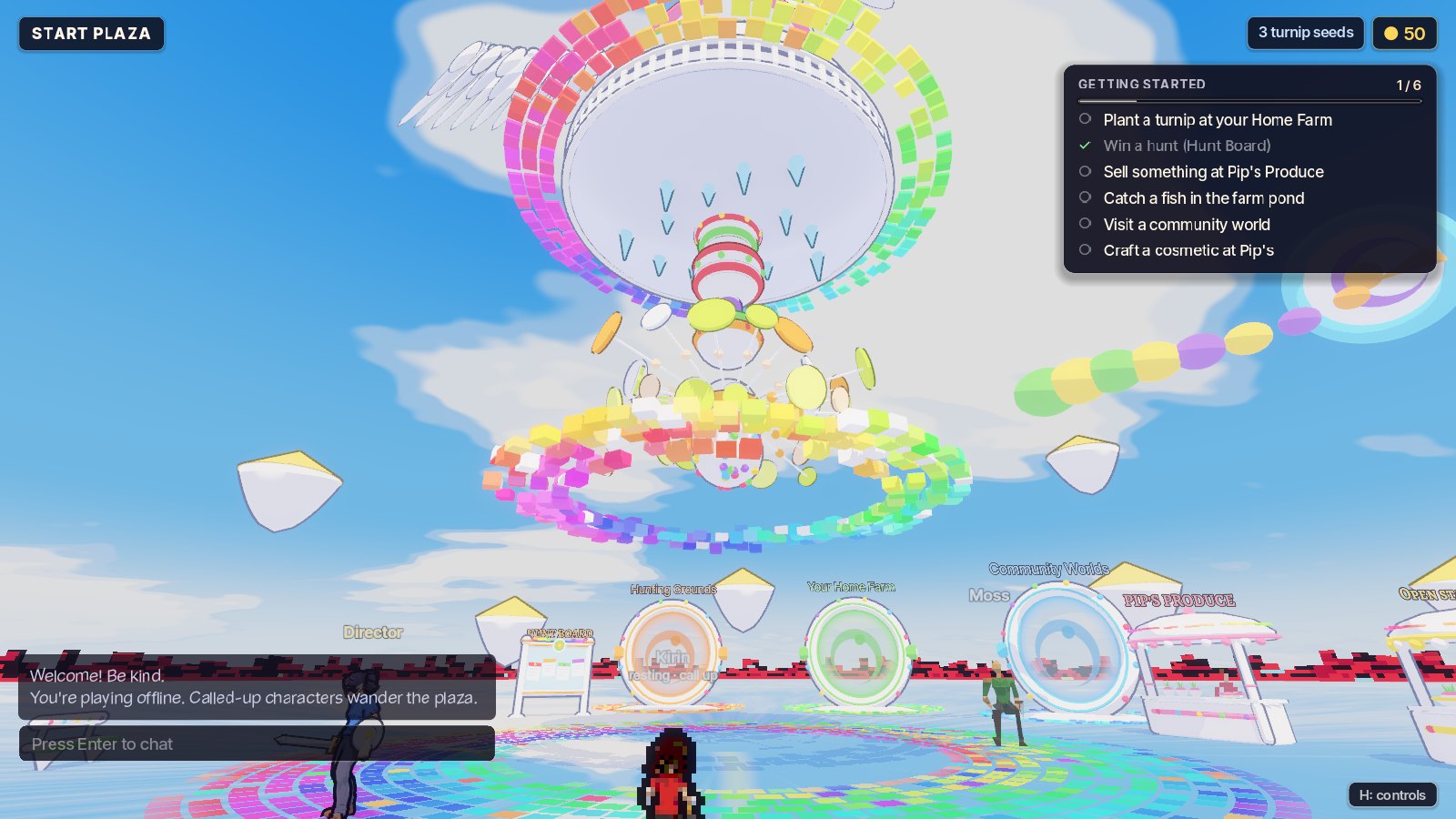
Players in Start Plaza under the rainbow totem, beside the portals

Meet your team in Start Plaza

Find your friends, pick a team and head out to a raid. Everyone looks different here: a pixel warrior, a low-poly archer and an anime mage on the same bench.

A farm to come home to

Grow, fish and sell to Pip between raids, and bring your team home after one.

Looks, not levels

No grinding for power. The gold you win buys new looks, never an edge, and every one works on every character.

Build the world

Design the next treasure race, test it with bots, and build the game alongside other players.

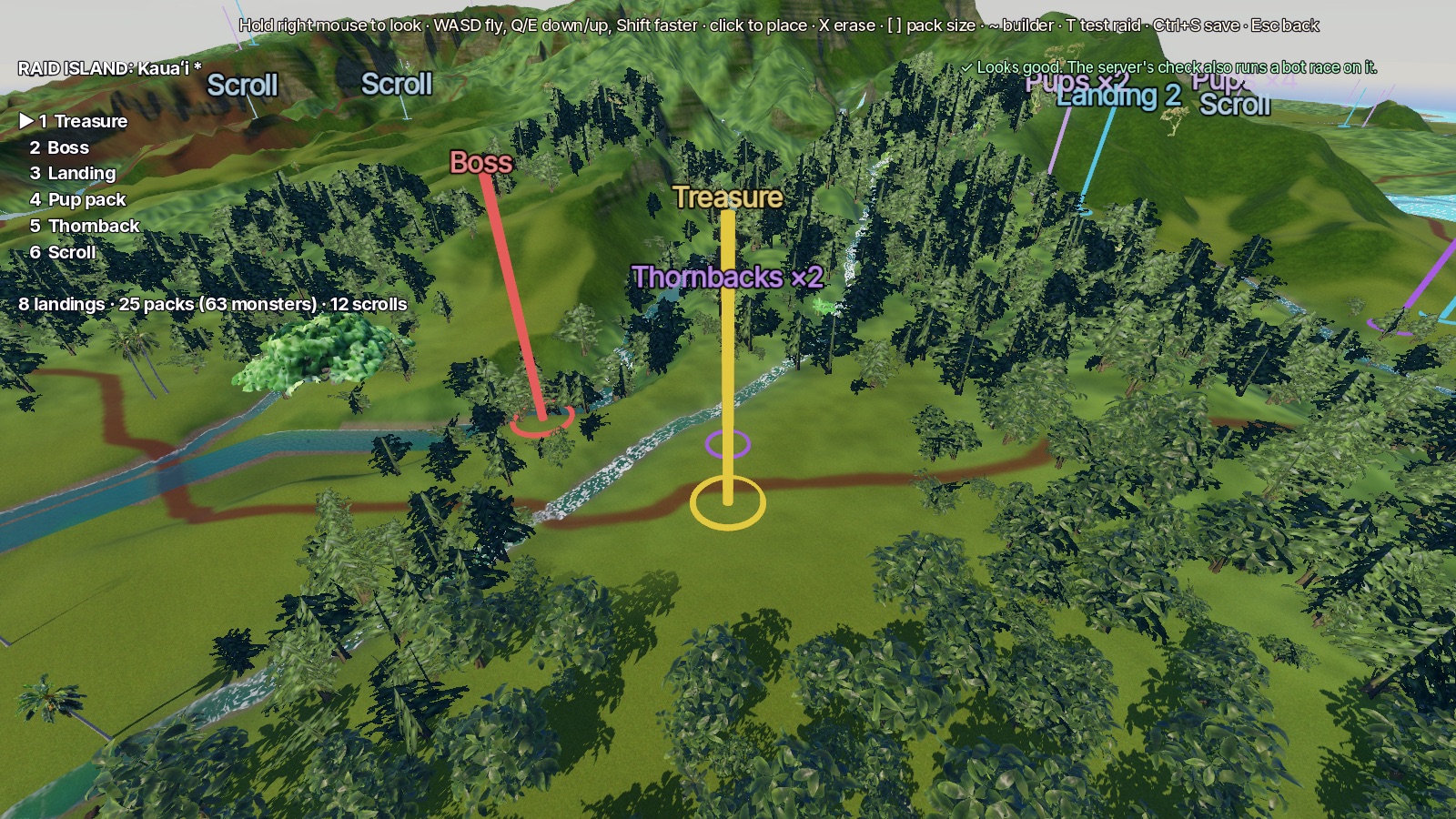
The raid island editor: flying over Kauaʻi with the treasure, the boss and monster packs marked as coloured beams

Build the islands

The current editor starts with Kauaʻi. From your farm, lay out the treasure, team landings, monsters and scrolls. Ask the builder for a change in plain words, or place it yourself. Press T to test the layout with bots. More island variety and wider building tools are in development.

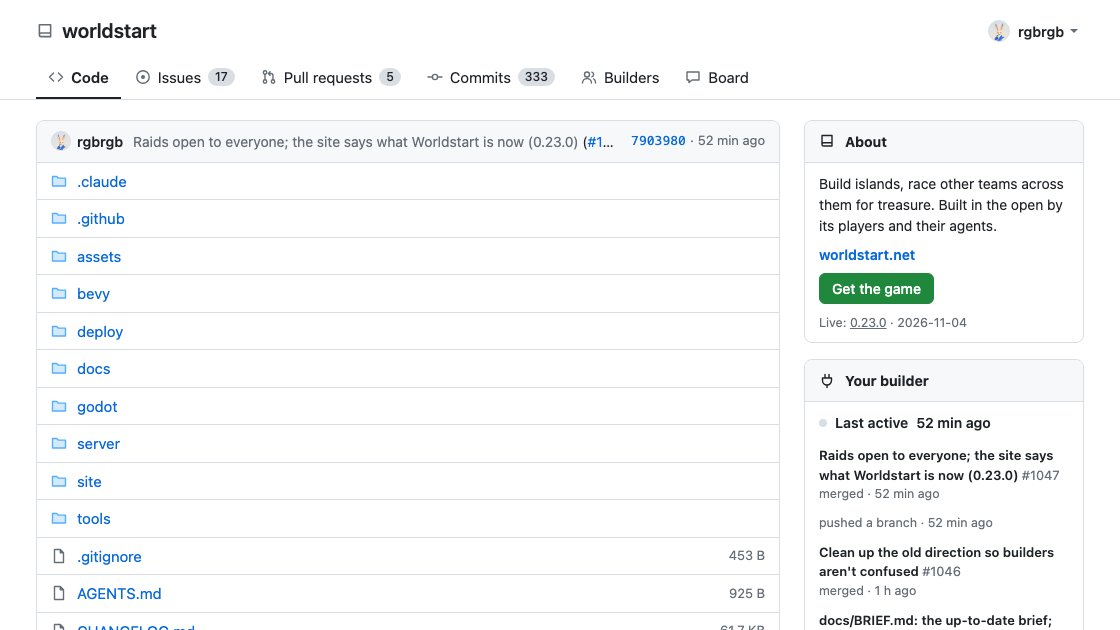
The forge: Worldstart's code, issues and pull requests, with the builders who made it

Build the game, with your agent

Worldstart is built with its players. Connect your AI agent through the forge to propose new monsters, new looks and fixes as your character. Contributions go through review before release, and accepted work carries its builder's name.

Open the forge · Connect your agent

Who you'll be

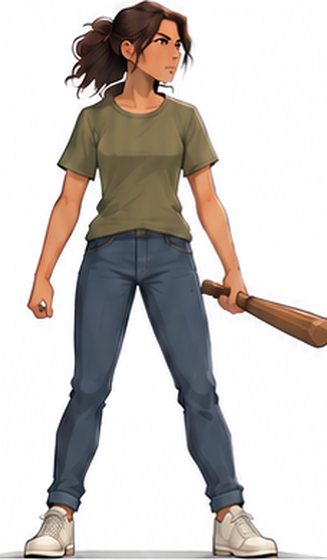
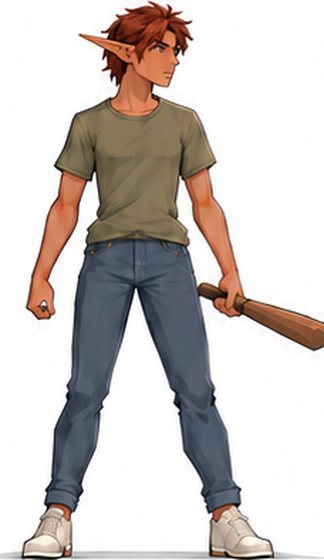
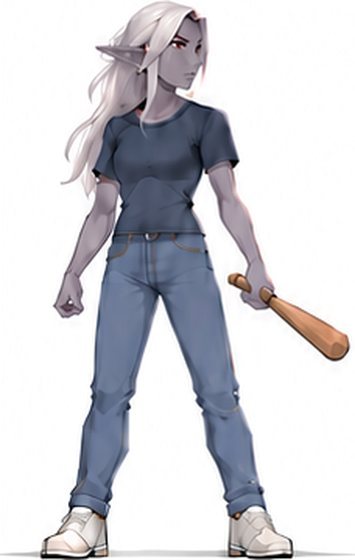
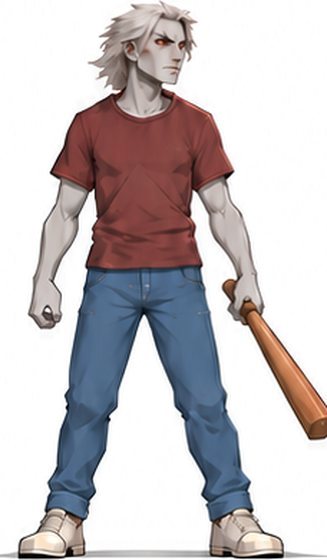
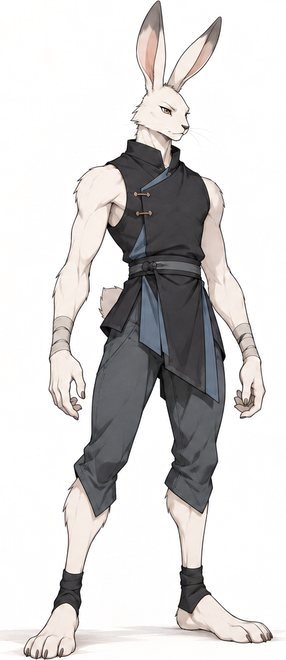
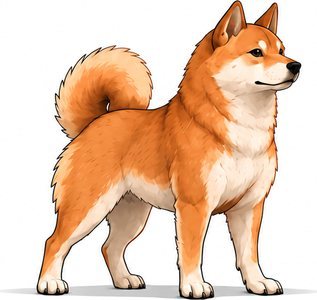
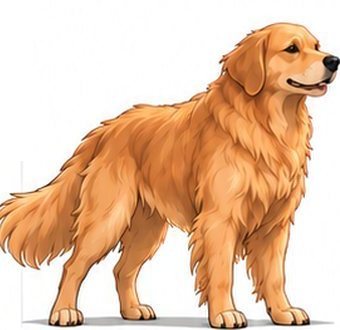
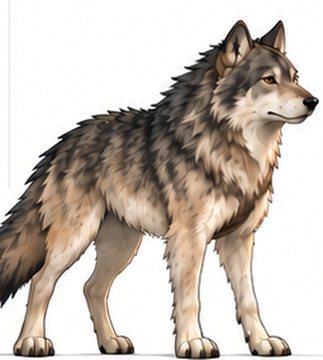
Human, elf, zombie, rabbit or dog, in whatever colors you like, drawn pixel, low-poly or anime.

Human
Wood Elf
Dark Elf
Zombie
Rabbit
Shiba Inu
Golden Retriever
Gray Wolf

Concept art by Mike. Every one of them is playable today; the game draws them its own way.

What's new

See what’s changed in the latest released build.

  1. Version 0.34.77

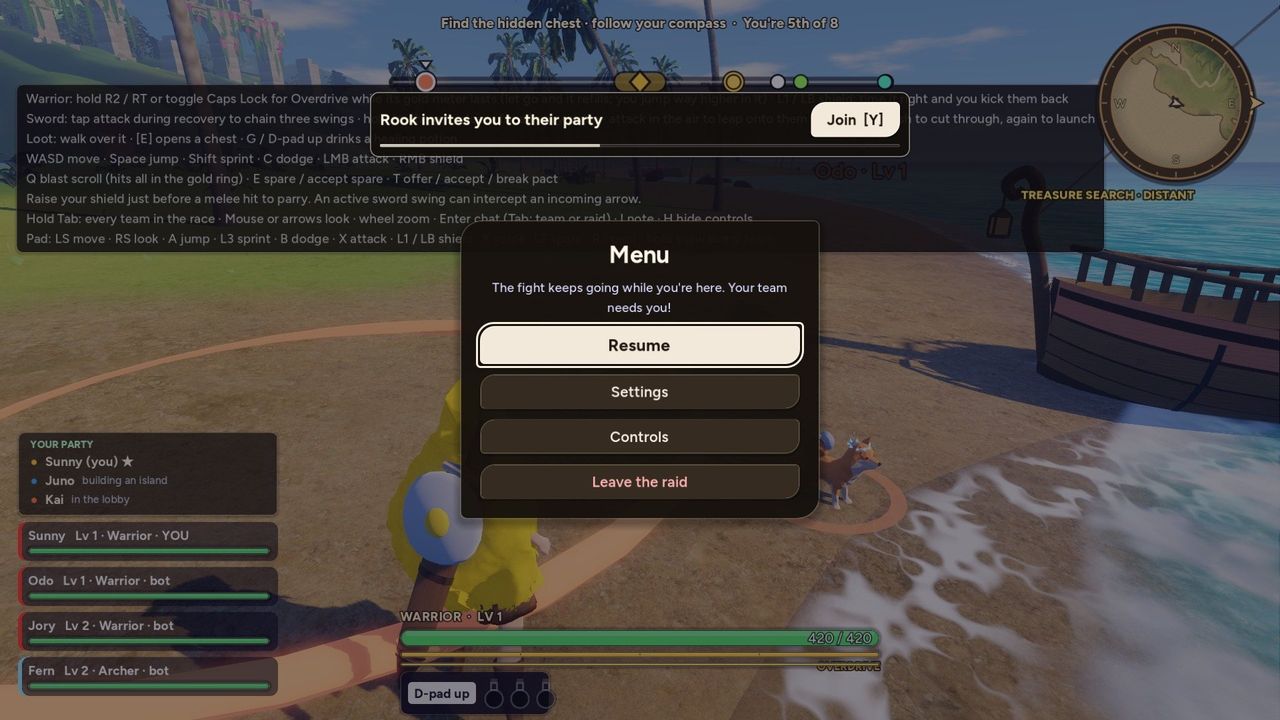
    A pause menu that gets out of the way

    Before: the raid's menu, a boxed panel in the middle of the screen with a pink Leave the raid button
    Before: the raid's menu, a boxed panel in the middle of the screen with a pink Leave the raid button
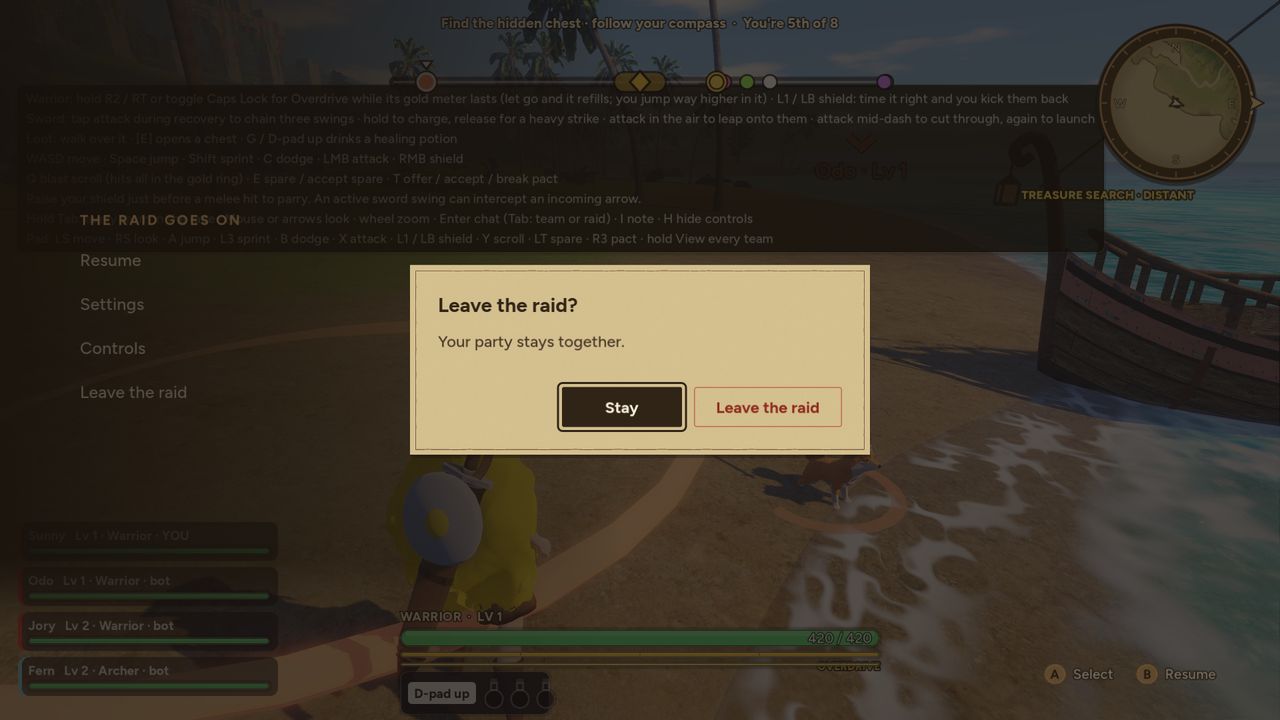
    After: four plain rows down the left edge, and Leave the raid asking first
    After: four plain rows down the left edge, and Leave the raid asking first
    • The raid's menu is four plain lines down the left edge, and the raid stays in view: Resume, Settings, Controls, Leave the raid. A small line says the raid goes on while you're here.
    • Leave the raid asks first, and it opens on Stay. Before, one press dropped you out of the race.
    • Back goes back one step: from Settings or Controls to the menu, and from the menu to the raid. It used to throw you straight back into the fight from Settings.
    • Start closes everything and puts you back in the raid.
    • Controls is a list of every key or button for what's in your hands, and switches as soon as you pick up the other one.
  2. Version 0.34.76

    Settings, rebuilt

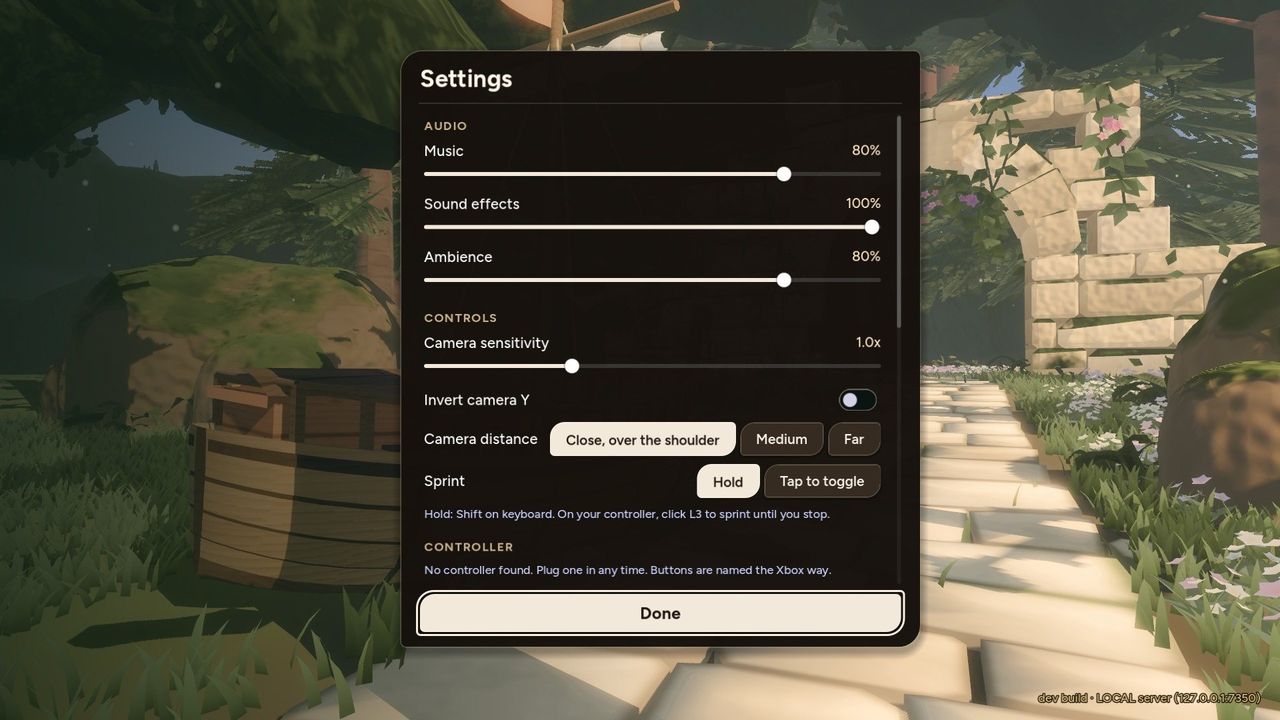
    Before: Settings as one long panel with a Done button at the bottom
    Before: Settings as one long panel with a Done button at the bottom
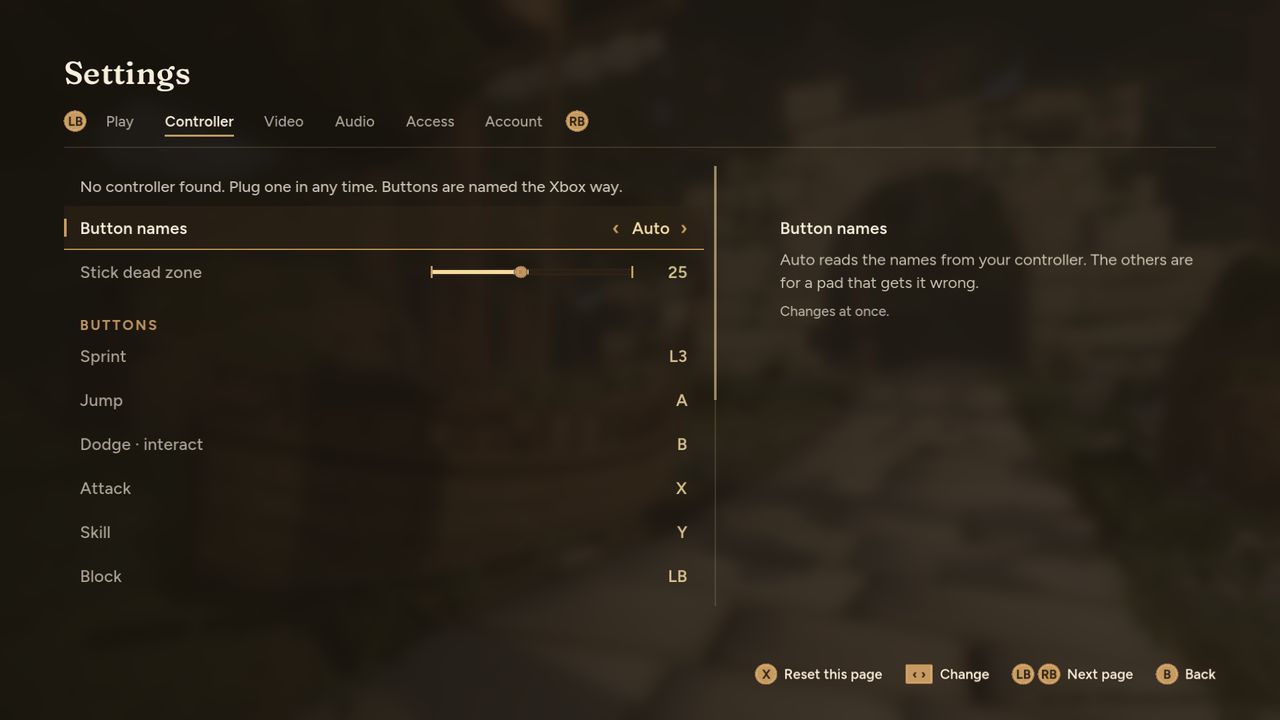
    After: Settings as a full screen with the pages across the top, the controller's buttons as rows, and what the row in focus does beside it
    After: Settings as a full screen with the pages across the top, the controller's buttons as rows, and what the row in focus does beside it
    • Settings is a full screen now, the same from the title, the lobby, a raid, your boat and the offline labs: Play, Controller, Video, Audio, Access and Account across the top, and the shoulder buttons (Q and E on a keyboard) go through them.
    • What a setting does is written beside it for the one you're on, instead of in paragraphs between the rows. The text is bigger.
    • A pad can reach every setting going down the list. The controller's buttons are rows in the Controller page, so all fifteen can be remapped without a mouse; before, six couldn't be reached.
    • Sliders move one step at a time, and keep moving while you hold left or right. On and off are written out.
    • Reset this page puts one page back to its usual settings, after asking.
    • Back goes back one step, to the row you came from.
  3. Version 0.34.75

    A quiet raid screen

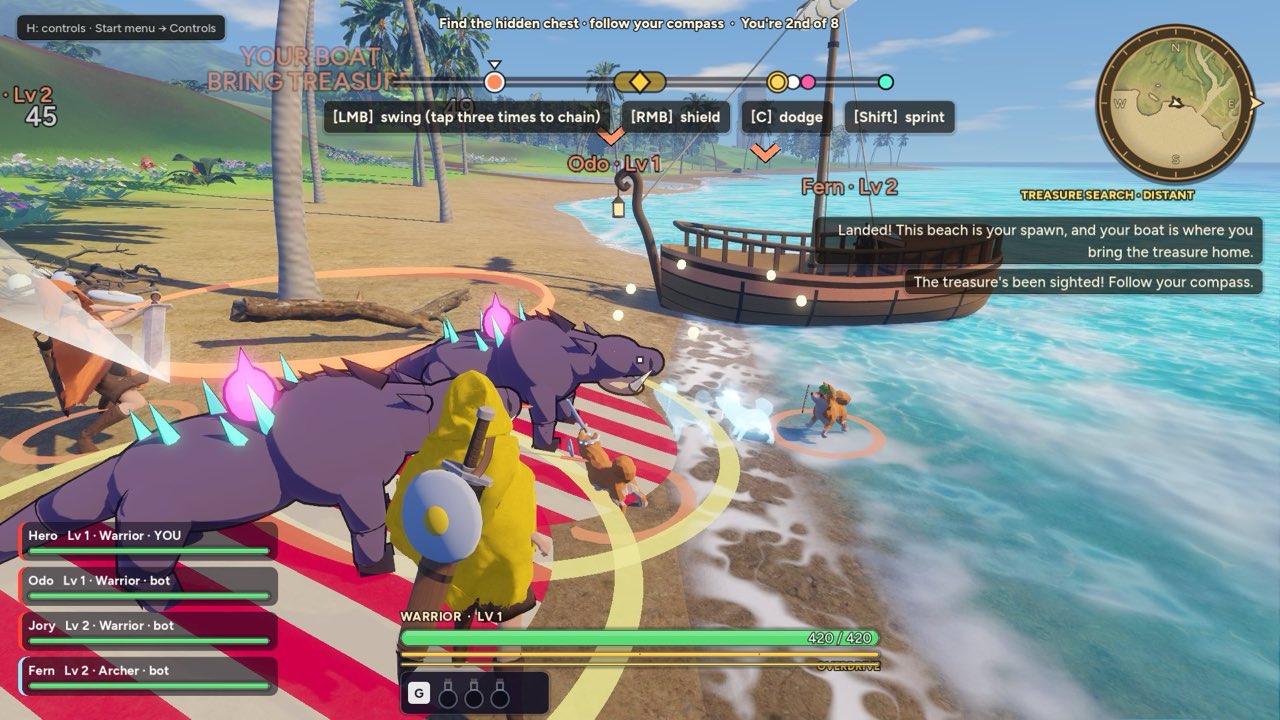
    Before: the raid screen with a wide health bar and numbers, stamina and overdrive bars, steel armour bar, team cards, a potion tray with a key cap, and orders across the top
    Before: the raid screen with a wide health bar and numbers, stamina and overdrive bars, steel armour bar, team cards, a potion tray with a key cap, and orders across the top
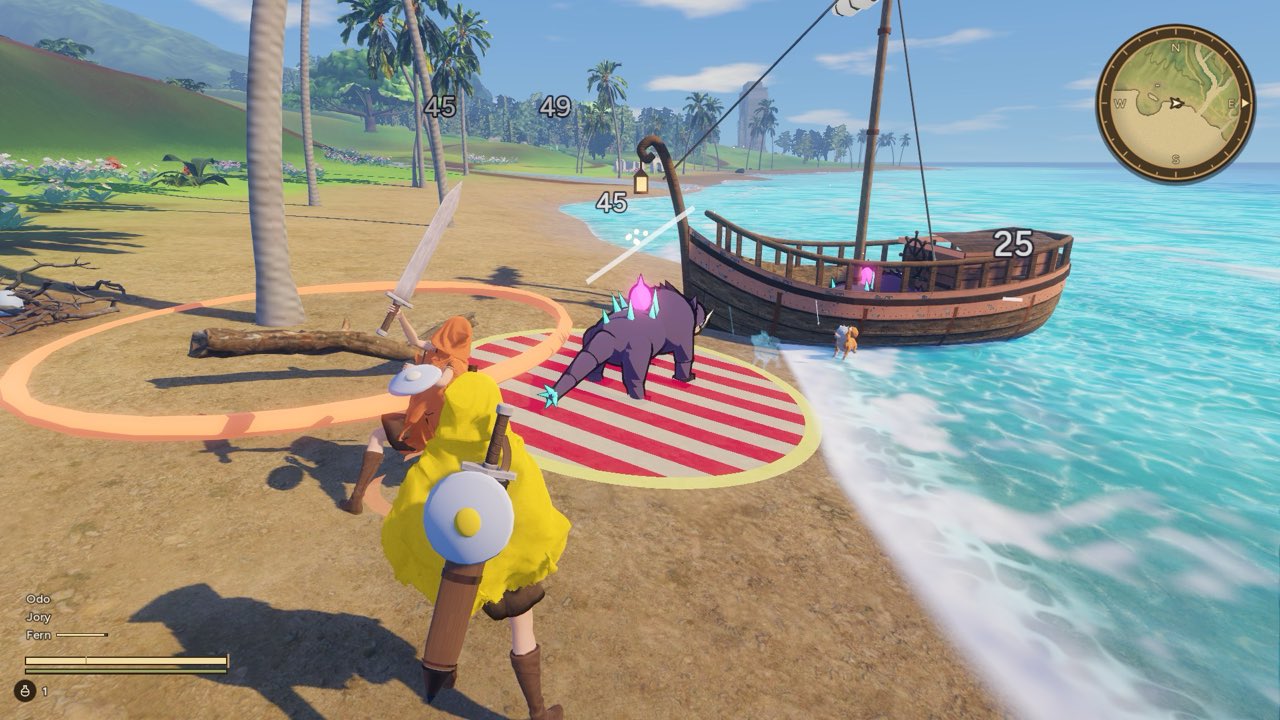
    After: the compass, three plain names, one thin health line with a green line under it, and a potion with a count
    After: the compass, three plain names, one thin health line with a green line under it, and a potion with a count
    • The raid screen is mostly the world now. The orders and race bar across the top, the move hints, the gold count, the "H: controls" note, the compass's caption, the pop-up lines, the names and marks floating over other heroes, the sign over your boat and the dot in the middle of the screen are gone. The Tab board still ranks every team, and H still shows the controls.
    • Your health is one thin cream line at the bottom left, with a brass tick at each end and a small one at 30%. A hit shows as a red chunk that drains away. Below 30% the line's frame turns red and thick; the line itself stays cream, so it reads without colour too. There is no number.
    • Under it, the same length and half as thick, a green line: a Warrior's Overdrive (it dims when there is too little left to start it) or a Mage's mana. An Archer has none. The stamina bar and the steel armour bar are gone, and armour is not drawn on the screen at all.
    • Your team is a plain list of names over your health line, with no cards, classes or levels. A thin line shows beside a name only while that teammate is hurt, and DOWN while they are down.
    • A potion you hold is a small flask and a count under your lines, with no key cap. Picking one up rings it in brass for a moment; it fades as you drink and is gone when you have none. The first time you are hurt with a potion in hand, a one-time note says which key drinks it.
    • The treasure's arrow on the compass is a plain solid arrowhead on the ring, where it was a notched chevron on a short arc that poked past the rim. While you carry the treasure, a small anchor floats over your boat with how far it is.
Read all 424 updates

It's an early playtest. Come play, and tell us what breaks.